
Android app · Phone & tablet ready · No sign-up
Every bill. Every subscription. Under control.
Reminders before due dates, warranty tracking, offline receipt scanning, and daily spending in one Android app. No sign-up. Your data stays on your phone.
No sign-up · Data stays on your phone
10K+Downloads
4.5Play rating
13Languages
35+Currencies
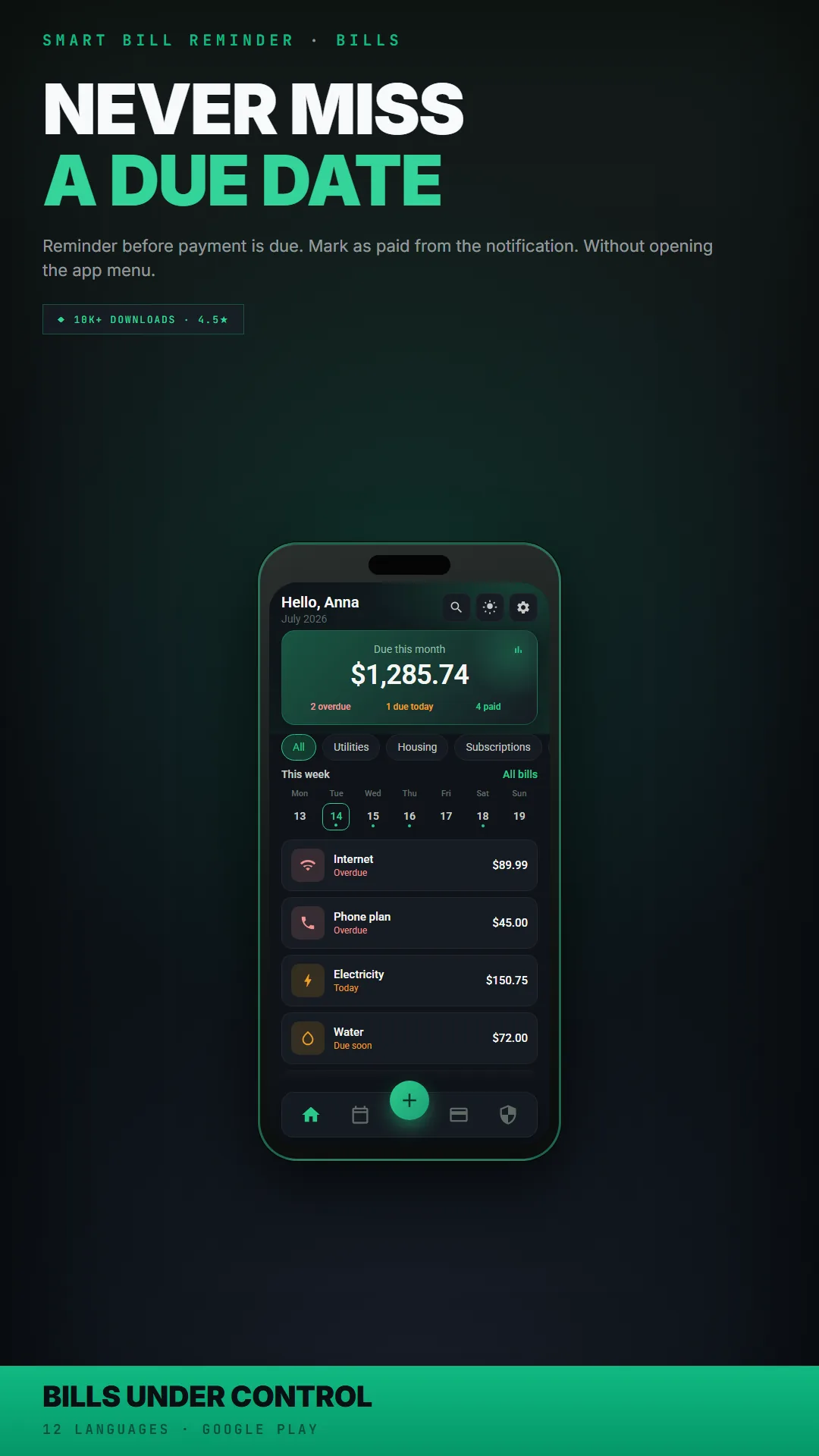
Phone & tablet ready
No sign-up required
GDPR-ready
Your data stays on the device
Only in this app
What do your subscriptions cost per year?
Add your monthly charges below to see the total. In the app, recurring payments can be found automatically, with trends and links to cancel services you no longer use.
Monthly total
$0
Per year
$0
The app also includes a full audit screen, a home-screen countdown widget, and an alert when a regular monthly charge stops appearing.
Start free. Compare plans in the app.
The core app costs nothing to use. See what is included in each plan below.
Free
Free forever
- Unlimited bills and reminders
- Phone & tablet ready layout
- Calendar and list view
- Recurring bills (monthly, weekly, yearly schedules)
- Custom categories
- Warranty tracking with alerts before the warranty ends
- Daily spending log
- Offline receipt scanning (OCR)
- JSON export and locally stored data
Premium
One-time or subscription
- Subscription audit with trends and cancel links
- Home screen widgets for bills and subscriptions
- Full reports with charts, PDF and CSV export
- Unlimited OCR scans
- Google Drive backup on your account
- Voice commands and unlimited AI tools
- Save a full bill series, 15 themes, and priority support
What the app can do
Everything below is already in the app. Tap a category to expand.
- Smart remindersChoose how many days before the due date to show a yellow or red alert. Notifications for overdue bills. Turn them on or off in Settings.
- Mark as paid from the notificationMark a bill as paid from the notification shade without opening the app.
- Recurring billsDaily, weekly, monthly, or yearly schedules for bills that repeat on a regular basis.
- List and calendarSwitch between a bill list and a calendar view. Press and hold a day to add a bill with that date.
- Bill seriesGenerate 2 to 24 due dates at once, useful for rent, installments, or regular invoices.
- Home screen widgetsUpcoming bills or a countdown to the next subscription charge on your home screen.
- Offline OCRRead text with Google ML Kit on your device. No internet needed. Photos stay on your phone.
- Receipt scannerThe camera reads a receipt and fills in the amount and category for a new bill.
- Text scannerCapture invoice numbers or bank transfer details with the camera.
- Photos and PDFsAttach a photo or PDF file to any bill.
- Receipt scanningScan receipts offline with Google ML Kit. Text stays on your device.
- Subscription auditFind recurring charges, follow monthly trends, and open cancel links from the provider.
- Warranty trackingSave the purchase date and warranty period. Reminders 30, 14, and 7 days before the warranty ends.
- Daily spendingLog small purchases with a name, price, store, and date. The app totals them automatically.
- ReportsCharts by category and over time. Export to PDF or CSV.
- Your own categoriesType any category name. The app suggests names you have used before.
- AchievementsLogin streaks and goals to complete. Some rewards temporarily unlock statistics.
- Data on your phoneBills stay in a local database on your device. No account and no cloud sync unless you export or back up yourself.
- Export and importExport data to JSON and restore it from a file.
- Google Drive backupA private copy in your Google Drive app folder, accessible only from your Google account.
- 35+ currenciesIncluding PLN, EUR, USD, GBP, JPY, CHF, TRY, INR, and more.
- 13 languagesEnglish, Polish, French, Italian, German, Spanish, Turkish, Hindi, Filipino, Urdu, Malay, Portuguese, and Indonesian.
- 15 themesMore than 15 color themes, including dark variants.
Off by default
AI only when you turn it on
AI tools are optional and off by default, turn them on only if you want. Bills, reminders, offline OCR, and warranties work the same without AI.
- Money Coach: a weekly note on your bill list when something needs attention
- Receipt Fix: corrects OCR fields after a weak scan
- Subscription Hunter: flags bills that look like subscriptions
- Voice commands: add and find bills without the keyboard
Phone & tablet ready
See how it works
Modern 2.0 on phone and tablet, a real tablet layout, not a stretched phone screen.
Never miss a due date, overdue, today, and paid at a glance
Video walkthroughs
One full walkthrough plus quick Shorts on reminders, sharing, and subscriptions.
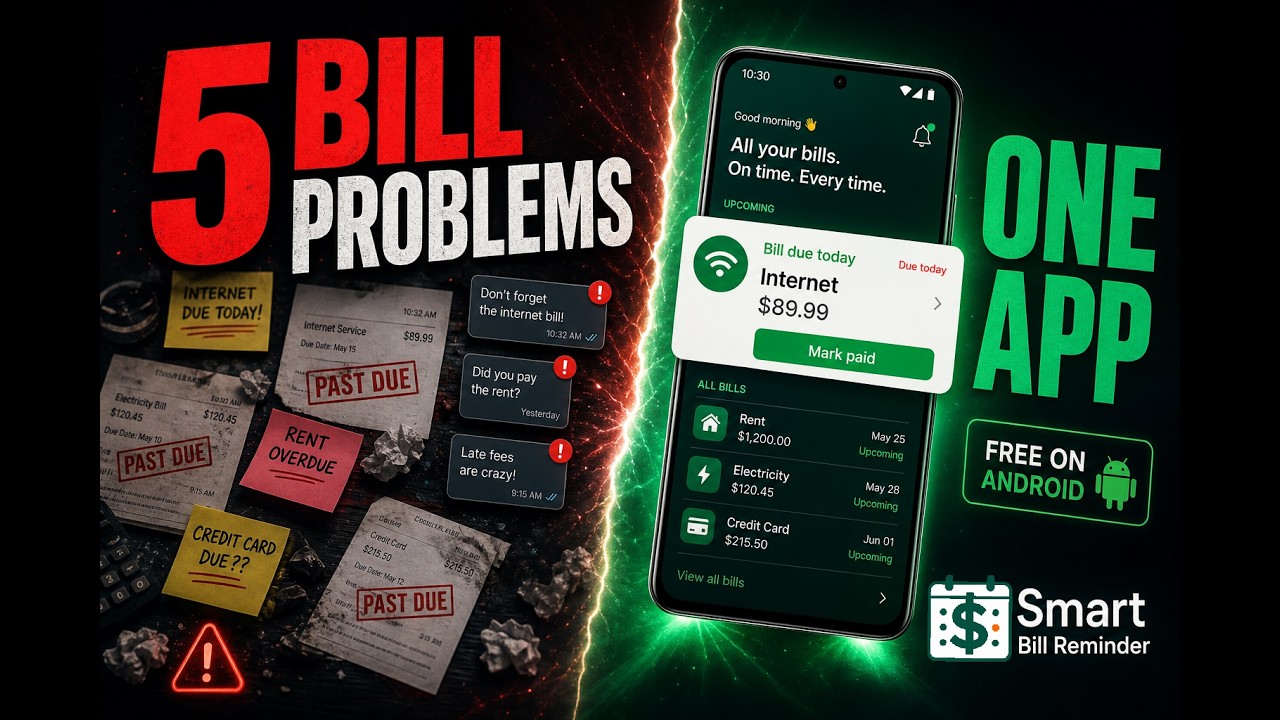
5 Ways to Stop Messing Up Bills on Your Phone
Bills scattered across notes, chats, and blurry photos? This walkthrough covers five everyday money problems, and how Smart Bill Reminder handles each one. No account. No sign-in. Everything stays on your device.
Watch on YouTube →Quick Shorts
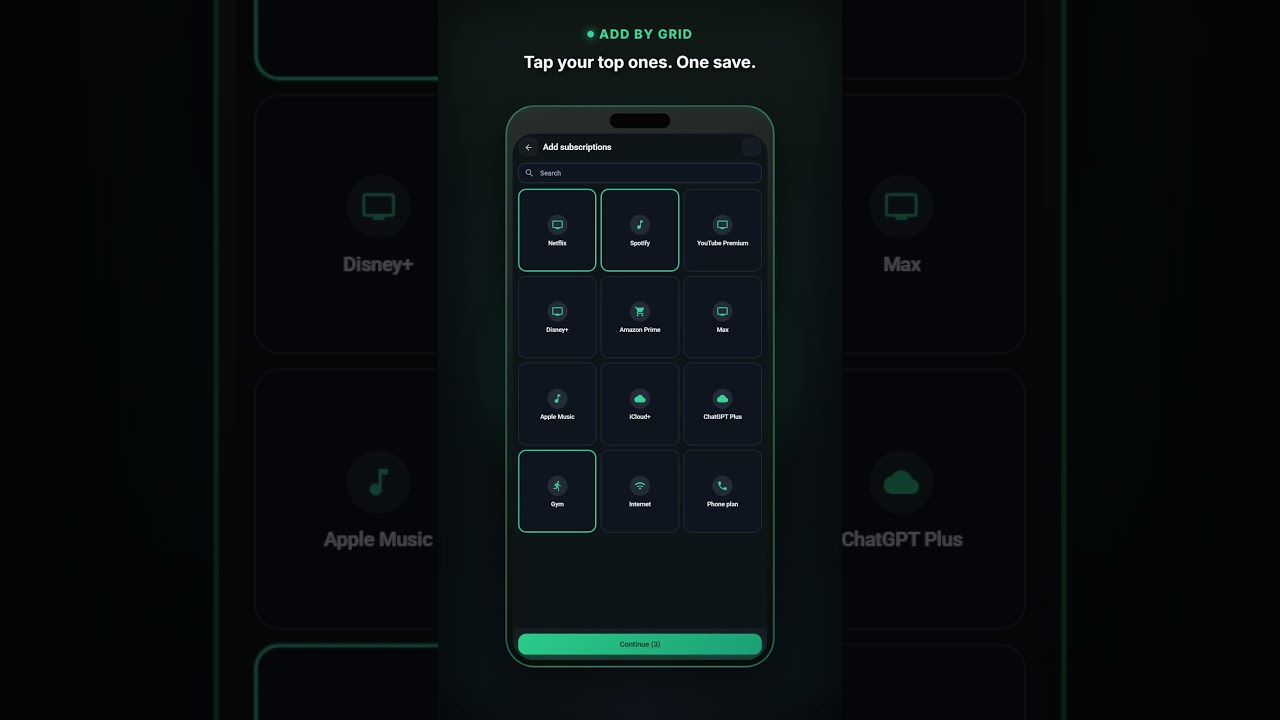
Still typing every sub? Add several at once
Tap what you pay for in a grid. Netflix, Spotify, Gym. One save. No bank login. Your list stays on your phone.
Watch the Short → Read the walkthrough →
Hate account walls? Add a bill first
Open the app. No sign-in. Plus → New Bill. Name, amount, due date. Saved. Still no account. Subscriptions and warranties too. Data stays on your phone.
Watch the Short → Read the checklist →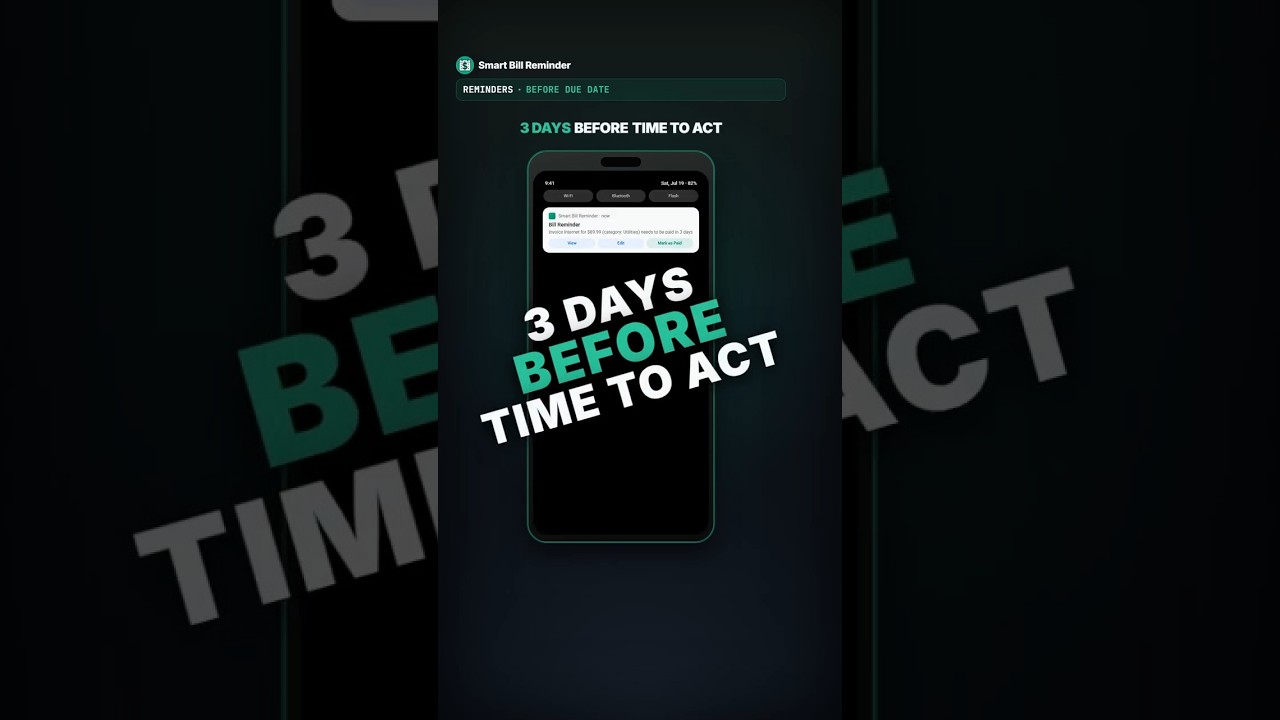
Late fee again? Just add a bill
Title, amount, category, due date. Optional photo or PDF. About a month later your phone pings 3 days before due. No account. Everything stays on your phone.
Watch the Short → Read the walkthrough →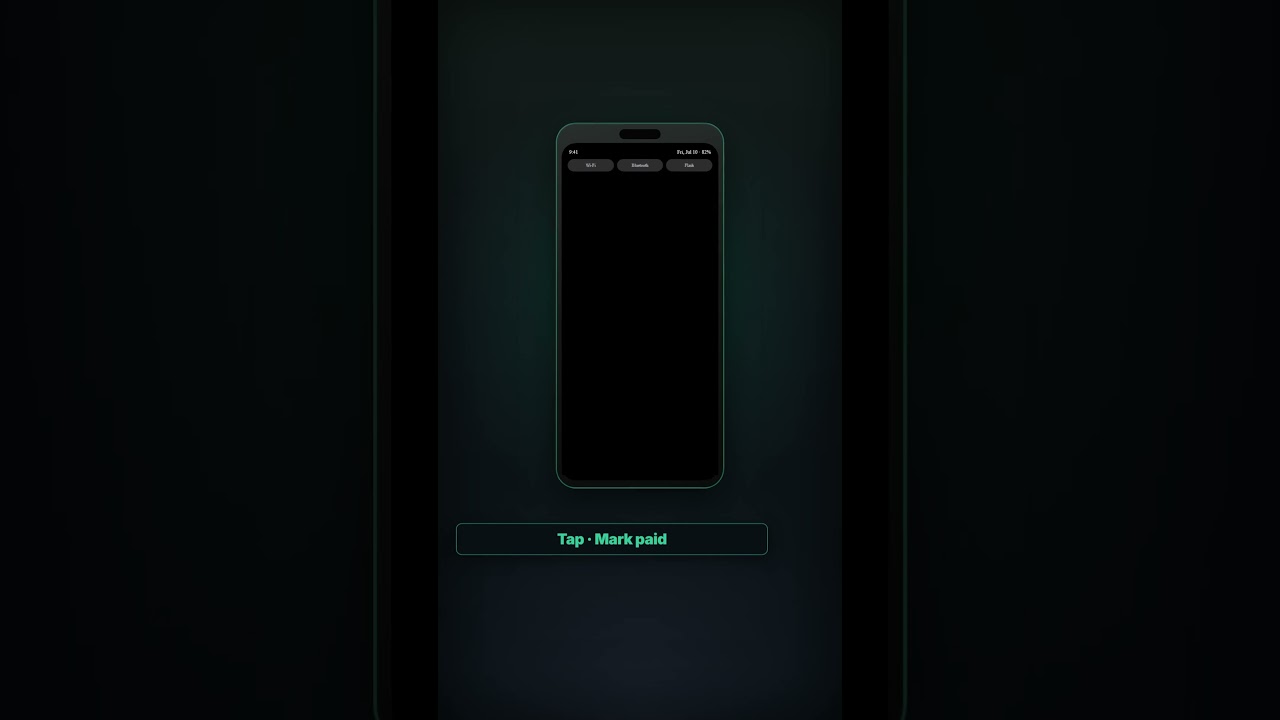
Mark bills paid from the notification
Add a bill once. When it's due, tap Paid on the lock screen, one tap, no digging through email.
Watch the Short →
I'll pay it tomorrow (never)
Due on the 10th, you say tomorrow, then it's the 15th with a late fee. The app keeps reminding until you tap Mark as Paid from the notification.
Watch the Short →
Stop sending blurry bill photos
Share a bill as a small file, not a blurry photo. They tap once, it lands in their list.
Watch the Short →
You meant to cancel. It charged again.
Pro tip: set a cancellation reminder 3 days before a subscription renews.
Watch the Short →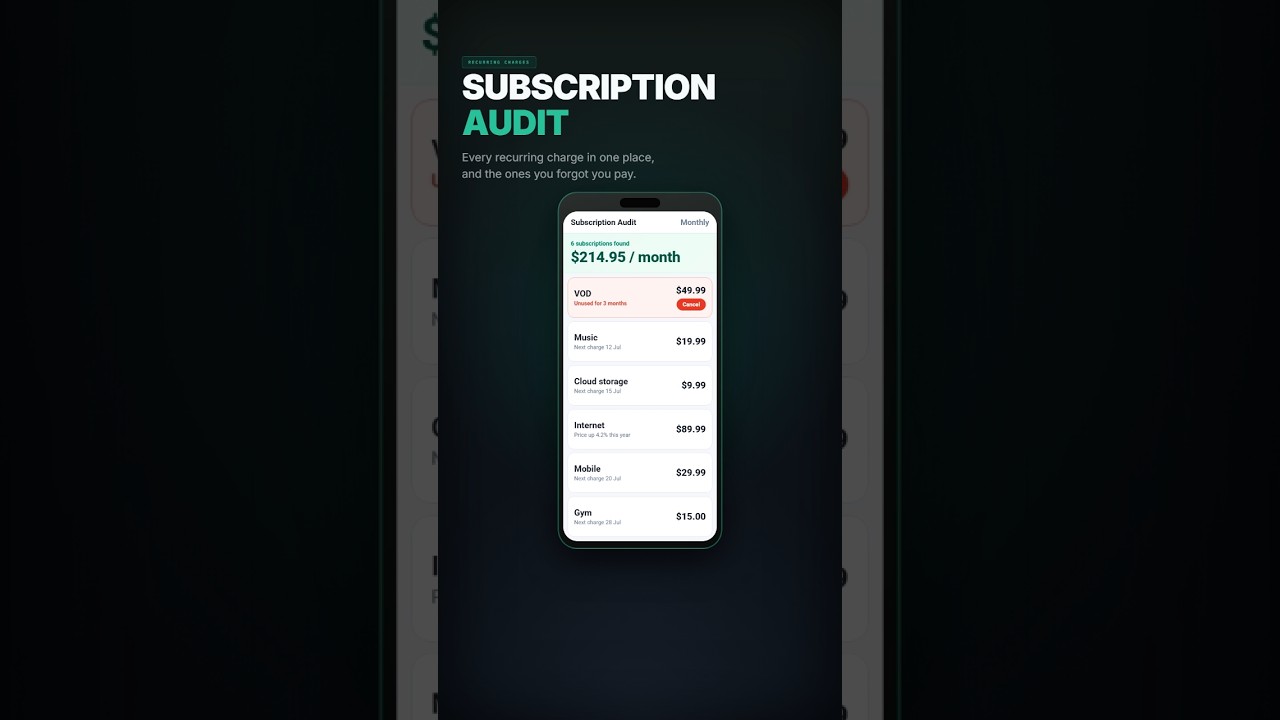
Subscriptions you forgot… but still pay for
The subscription audit lists recurring charges, flags the ones you forgot, and warns before the next one hits.
Watch the Short →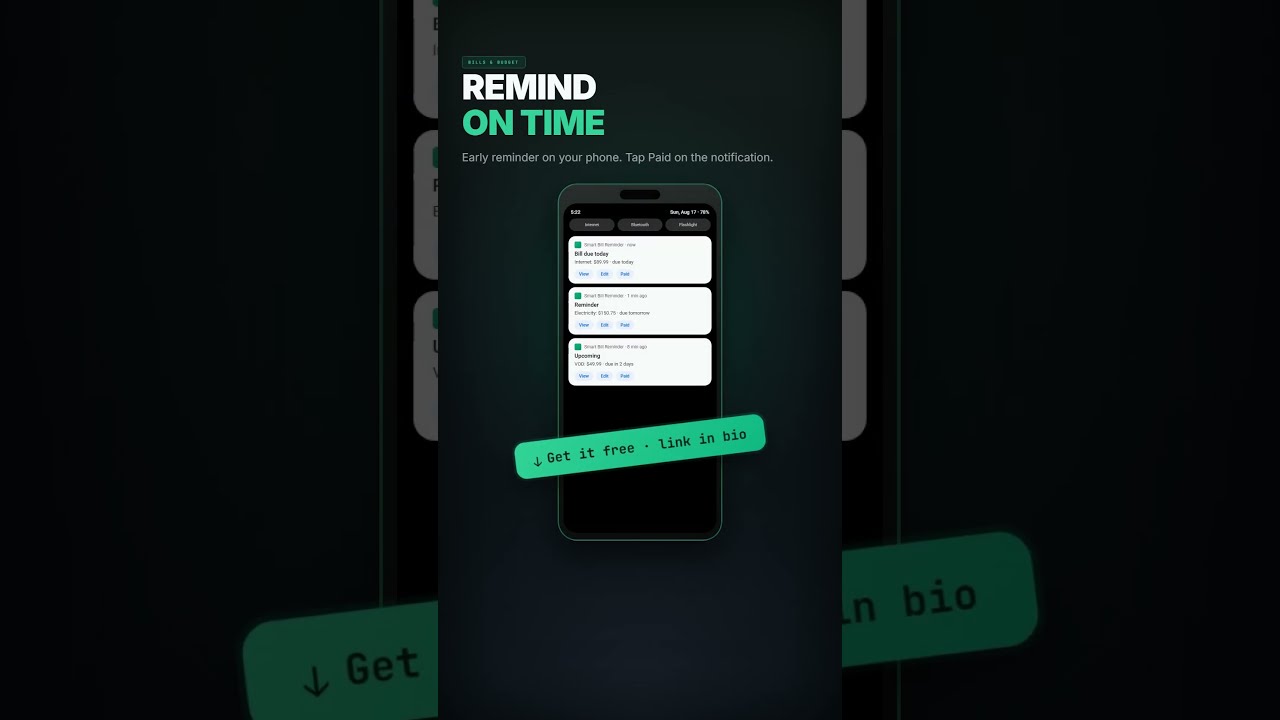
I paid a late fee over ONE bill I forgot
Built after one forgotten bill and a late fee. Reminds you before the due date, tap Paid from the notification without opening the app.
Watch the Short →Frequently asked questions
Do I need an account?
No. The app works without registration. Bills stay on your device.
Does it work on tablets?
Yes. Smart Bill Reminder is phone & tablet ready, Modern 2.0 uses a real tablet layout, not a stretched phone screen.
Does OCR work offline?
Yes. Scanning uses Google ML Kit on your device. No internet is needed to read the text.
How does subscription audit work?
The app groups bills that repeat in a similar pattern, shows total spending over time, and provides links to cancel a service. A home-screen widget counts down to the next charge.
What do I get with Premium?
Subscription audit, home-screen widgets, full reports, unlimited OCR, Google Drive backup, voice commands, unlimited AI tools, saving a full bill series, 15 themes, and priority support. Available as a one-time purchase or a plan in the app on Google Play.
Can I back up my data?
Yes. Export to JSON anytime. You can also keep a copy in Google Drive from inside the app.
Do I have to use AI?
No. AI is off by default. Bills, reminders, OCR, and everything else work the same without it.
Bills and warranties under control
Free Android app. No sign-up. Get it on Google Play.
