
WARRANTY AND RECEIPTS
How to Set a Warranty Expiration Reminder on Android
A warranty date arrives on the day you buy something, then hides in an email, a paper slip, or a drawer. Save it where you can find it and give yourself time before it runs out.
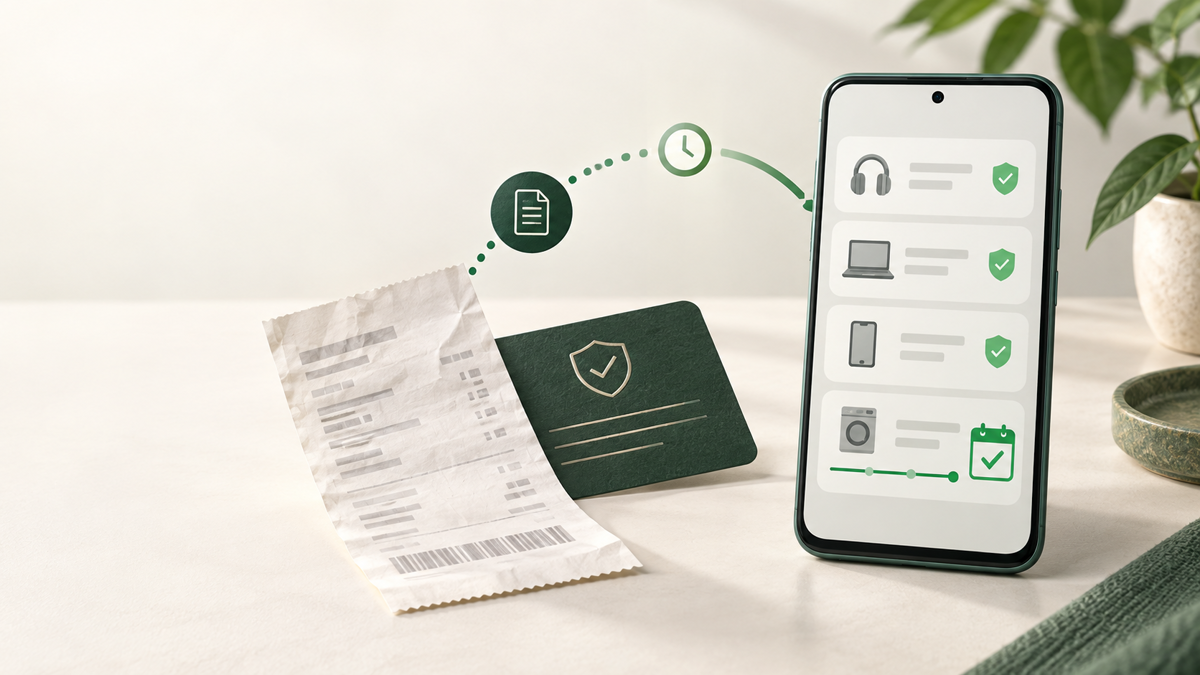
Smart Bill Reminder tracks the end date for a saved purchase on Android. It is a reminder tool, not a warranty checker and not a record of what a seller will approve. You enter the information you know, then choose when you want to see it again.
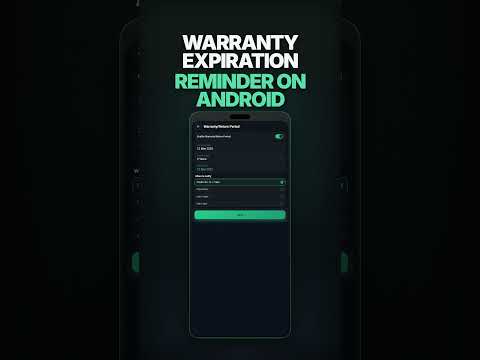
See the setup in a short video
What to have ready
Find the purchase date and the warranty or return period shown by the seller or manufacturer. A receipt photo or document can still be useful as proof, but it does not create a reminder by itself. This job begins with a saved purchase and a date you can check.
Set the warranty end reminder
- Save the purchase first. Add the item as a bill or purchase. Warranty settings become available after the item is saved.
- Open Warranty/Return Period. Open the warranty settings for that saved item.
- Turn on warranty tracking. The item will appear in the tracked warranty list.
- Add the purchase date and period. Choose a preset period from one to ten years, or choose Custom for a specific end date.
- Choose the reminder days. Choose 30, 14, or 7 days before the end date. You can also choose the full 30, 14, and 7-day set.
- Save and check alerts. Keep warranty alerts enabled in the app settings and allow Android notifications.
For a preset period, the app calculates the expiry date from the purchase date. A custom period is useful when the warranty card already gives an exact end date. Look once more at the date and selected days before leaving the screen. That small check matters more than trying to remember it a year later.
Choose enough time to act
Seven days can suit a quick decision. Thirty days gives you time to find the receipt, read the warranty terms, contact the seller, or arrange a repair. For an expensive item, choose one reminder day or the full 30, 14, and 7-day set. The app compares the saved date with the days you select. Notifications also depend on Android permission and enabled warranty alerts.
What this reminder does not do
It does not look up a warranty from a serial number, extract a warranty date from a receipt scan, or decide whether a claim will be accepted. It helps you save a known date. For consumer-rights guidance in Poland, see the UOKiK explanation of warranty rights.
Put the warranty date somewhere useful
Save the purchase, set the period, and choose the days you want to see it ahead of time.
Set a warranty end reminderFAQ
Can I choose only one reminder day?
Yes. In warranty settings, choose one reminder day or the full set of all three preset days: 30, 14, and 7 days before expiry.
Can I change the warranty expiry date?
Yes. Edit the warranty entry. A preset period uses the purchase date; a custom period lets you choose an exact expiry date.
Does an expiry reminder prove that my warranty claim will be accepted?
No. A reminder helps you track a date. A seller or manufacturer decides a claim under its warranty terms and consumer rules.