
REMINDERS · Tenants
How to set a bill reminder for tenants on Android
As a renter, rent and utilities often land in the same week. Add rent and each utility bill as ordinary bills with due dates, turn on Bill reminders, then mark paid after you pay in real life.
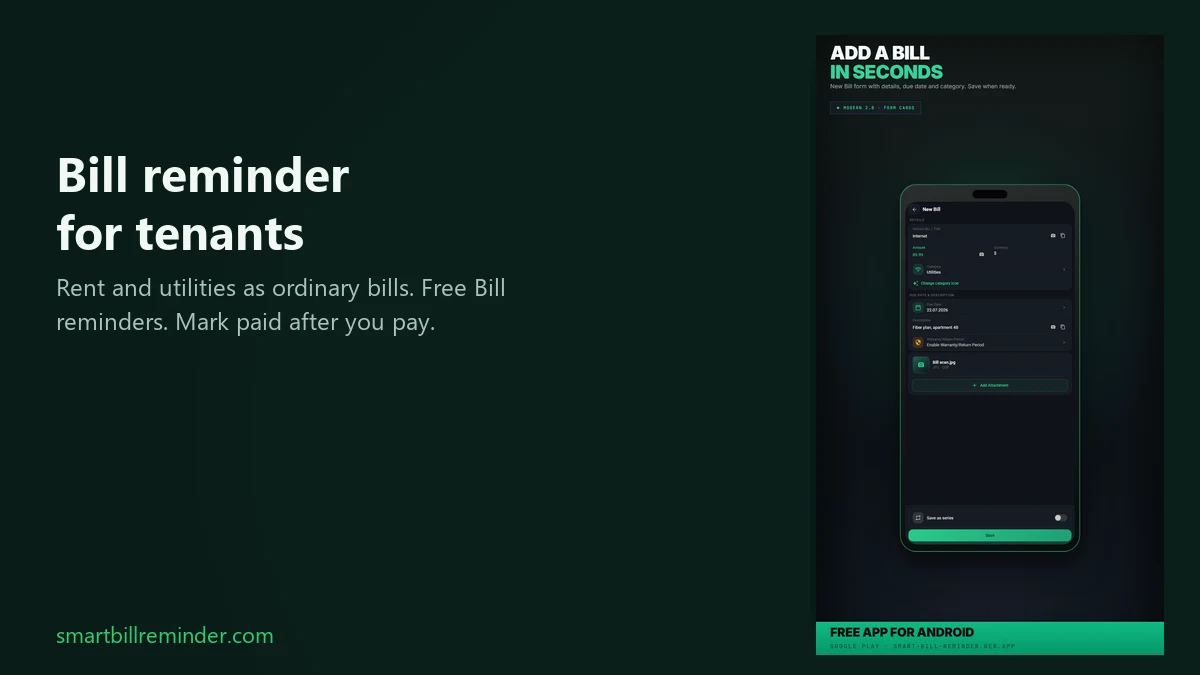
For tenants, add rent and utilities together as ordinary bills with due dates, turn on Bill reminders, and mark paid after you pay in real life. There is no special Tenant mode. This is the tenant stack how-to, not a rent payment reminder only, not a utility bill reminder only, and not a recurring series tutorial.
Add rent and utilities as ordinary bills
Open Bills, choose New Bill, and fill the form. You can save several separate Free entries for the tenant list.
- Add rent first: title such as Rent or House rent, amount, category (for example Housing), and the due date. Tap Save.
- Repeat for each utility or media bill: electricity, gas, water, or internet. Use a shared category such as Utilities if you want one label.
- Each entry keeps its due date and unpaid or paid status on the phone. You type those labels yourself; there is no built-in tenant picker.
One unpaid entry per due date is enough for reminders. You do not need Save as series for this job.
Set tenant rent and utility reminders
Turn on Bill reminders for the whole list
Open Settings → Notifications. Keep Bill reminders on. Pick one shared local Reminder time for all unpaid bills. Set yellow and red warning days if you want a before-due window and a due-day path (defaults: yellow 3, red 0). This is one schedule for every unpaid bill on the list, not a separate clock per rent or media entry.
Notification permission and timing limits
If Android asks for notification permission after you save a new bill, allow it so bill reminders can appear. A prompt may not show if permission was already handled. Alerts usually arrive around the selected local time (about ±10 minutes). Android battery limits or WorkManager can delay them further, and there is no exact-time guarantee. If Smart Bill Reminder is open in the foreground at check time, the scheduled alert is deferred until later.
Mark paid after you pay in real life
First pay rent or the utility through your bank, landlord, provider portal, or the method you use. Then mark the bill paid in Smart Bill Reminder. That updates the entry on your phone only. It does not send a payment, message a landlord, log into a portal, or verify the bank. Paid entries are skipped by the reminder check. If a notification offers Mark as Paid, that action also changes the local status.
Optional tenant rent and utility checklist
Before you close the app, a short list helps keep the tenant stack covered:
- Confirm rent is on the phone with its due date.
- Confirm each media bill you still need (electricity, gas, water, internet, and any others) has a due date and stays unpaid until you pay for real.
- Confirm Bill reminders are on and one local Reminder time is set.
Tenant rent and utility checklist is a reader aid only. It is not a Premium feature and not a built-in Tenant mode.
If you later want monthly generation with Save as series, see the recurring bills guide. That path is optional and not required for tenant reminders.
Quick answers
Is there a special Tenant mode for rent and utilities?
No. Add rent and each utility bill as a normal bill. Type a title and category yourself, for example Housing for rent or Utilities for media bills.
Why am I not getting tenant bill reminders?
On current Android versions, allow notification permission for the app. In Settings, keep Bill reminders on, pick one local Reminder time, and leave entries unpaid until you pay. Alerts usually arrive around that time; Android can delay them.
Does Mark as Paid pay the landlord or utility provider?
No. Mark as Paid updates the bill entry on your phone. It does not pay the landlord, pay a utility provider, log into a portal, or verify a bank transfer.