
REMINDERS · Rent
Rent Payment Reminder on Android: Set It Up
Rent has a date even when the rest of the month is busy. Add one rent bill with its due date, turn on bill reminders for unpaid entries, then mark the local entry paid after the real payment. This is a reminder setup, not a way to send rent.
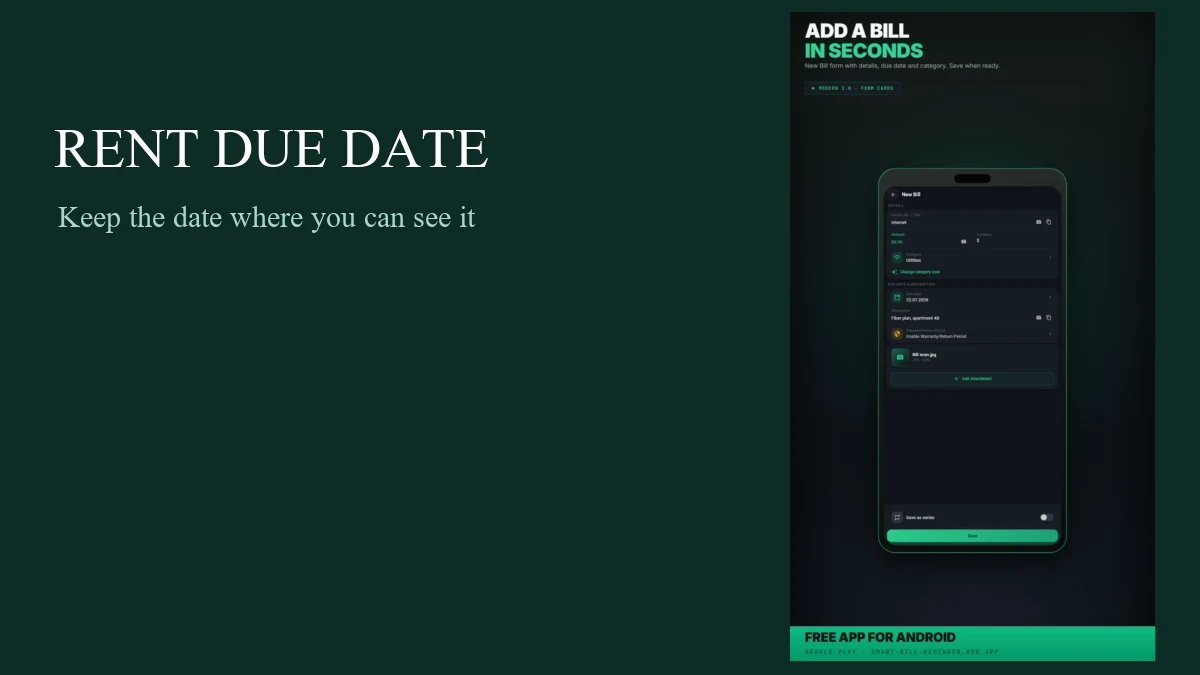
Add your rent bill and due date
Open Bills, choose Add bill, and enter the details you need for rent. The form lets you add a name, amount, category, and due date before you save.
- Name the entry something clear, such as Rent.
- Add the amount, choose a category, and select the due date.
- Save the bill. The entry keeps its due date and paid or unpaid status in the app.
Keep this step to one normal bill entry. The guide does not need a series or a Premium feature to put this month’s rent and its date on your list.
Turn on bill reminders
Go to Settings, turn on bill notifications, and choose a daily reminder time. The app checks unpaid bills against your reminder settings. It is one daily setting for bill reminders, not a separate exact-time schedule for rent.
After the first new bill is saved, Android may ask for notification permission. If it does, allow notifications so Android can show bill reminders. A prompt may not appear if permission has already been handled, and Android scheduling can affect when a notification arrives.
Mark rent paid after payment
First confirm the real payment with your bank, landlord, or the method you use. Then mark the rent bill paid in Smart Bill Reminder. That changes the entry’s local status only. It does not send rent or confirm that anyone received it.
Paid entries are skipped by the due-date notification check. If a due-date notification offers Mark as paid, that action also changes the local bill status.
If you do not see reminders
First check that bill notifications are on in Settings and that you selected a daily reminder time. Then check Android notification permission for the app. A denied or disabled permission prevents Android from showing the reminder.
Also check that the rent entry is still unpaid and has the right due date. The app checks unpaid entries using your reminder settings; it cannot guarantee delivery at a specific minute.
Quick answers
Does the app pay my rent?
No. It keeps a bill entry and its local status. It does not send payment, connect to your bank or landlord, or confirm rent.
Can I set an exact reminder time for rent?
You choose one daily time for bill reminders in Settings. Android scheduling and notification permission affect delivery, so it is not a per-rent exact-time alarm.
What changes when I mark rent paid?
The entry becomes paid in the app. Later bill-reminder checks skip it; the app does not verify the real payment.