
REMINDERS · Overdue bills
How to get an overdue bill reminder on Android
Rent, internet, or an installment can sit unpaid after its due date. Keep Free Bill reminders on so that entry stays eligible for the red alert path, then mark it paid only after you pay for real.
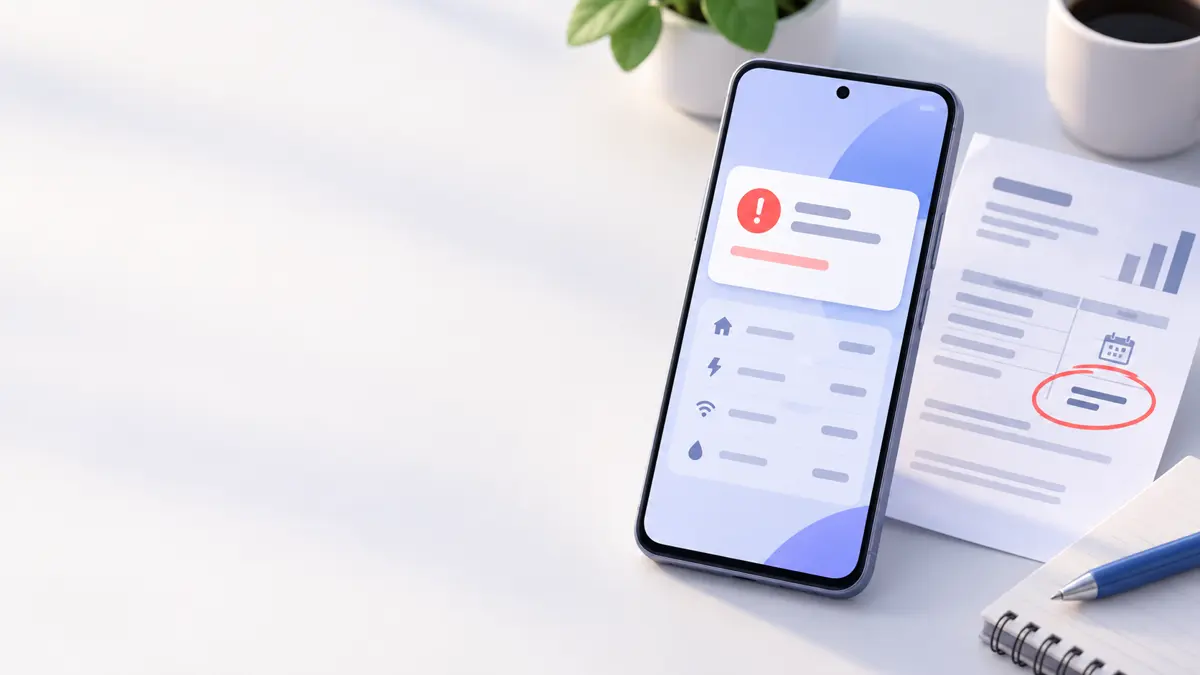
An unpaid bill after its due date stays eligible for the red alert path when Bill reminders are on and the daily check runs. Yellow days cover the before-due window only. On the red path the app uses due-today style notification copy; there is no separate “Overdue” notification title. This is alert setup, not a recovery plan after you forgot to pay, and not a reminder before the due date.
Confirm the bill is still unpaid
Find the entry on your bill list. Leave it unpaid until the real payment is done. Paid entries are skipped by the reminder check. If you already paid outside the app, mark the entry paid first so it stops needing an alert.
- Open the unpaid bill in Smart Bill Reminder.
- Check the due date and amount against the payment you made or still need to make.
- Leave it unpaid if payment has not happened yet.
Mark as paid updates the bill entry on your phone. The app does not send a payment, check your bank, contact a creditor, or recover debt.
Turn on Bill reminders and pick one local time
Open Settings → Notifications. Turn on Bill reminders. Pick one shared local Reminder time for all bill checks. Set red warning days (default 0 = due today; unpaid past-due bills still take the red path). Note yellow as the before-due window (default a few days). Free users can use this path when notifications are enabled.
Get alerts for unpaid bills on Android
Allow notification permission and know the timing limits
On current Android versions, allow notification permission for the app or alerts will not appear. Alerts usually arrive around the selected local time (often within about ±10 minutes in product copy). Android battery limits or WorkManager can delay them further - do not expect an exact clock time. If Smart Bill Reminder is open in the foreground at check time, the scheduled alert is deferred until later.
Set your overdue-bill reminder
Open the bill or mark it paid after you pay
When the daily check finds an unpaid bill on the red path, you can get an individual notification with View, Edit, or Mark as Paid. Open or edit the bill if you need details. After you pay for real, mark it paid so the reminder check skips that entry.
Optional 7/3/1 reminder planner
For bills that matter most, some people write a first check seven days before, a second three days before, and one on the due date. That is a reader checklist only. It is not the app’s bill yellow/red default (those are separate day settings; overdue still uses the red path).
Use the 7/3/1 reminder planner as a personal follow-up aid, then keep red/yellow days set in Settings for the actual alerts.
Quick answers
Why am I not getting overdue bill alerts?
On current Android versions, allow notification permission for the app. In Settings, keep Bill reminders on and leave the entry unpaid. Without permission, the app skips sending the notification.
Why did my reminder arrive late or not arrive?
Alerts usually arrive around your selected local time (often within about ±10 minutes in product copy). Android battery limits or WorkManager can delay them further. If Smart Bill Reminder is open in the foreground at check time, the scheduled alert is deferred until later.
I already paid. Why does the reminder still fire?
The reminder check only skips entries marked paid in the app. If you paid at the bank but left the bill unpaid here, it stays eligible. Tap Mark as Paid after the real payment to update the local entry.