
METHODS · Free tools
Free online tools for bills and subscriptions
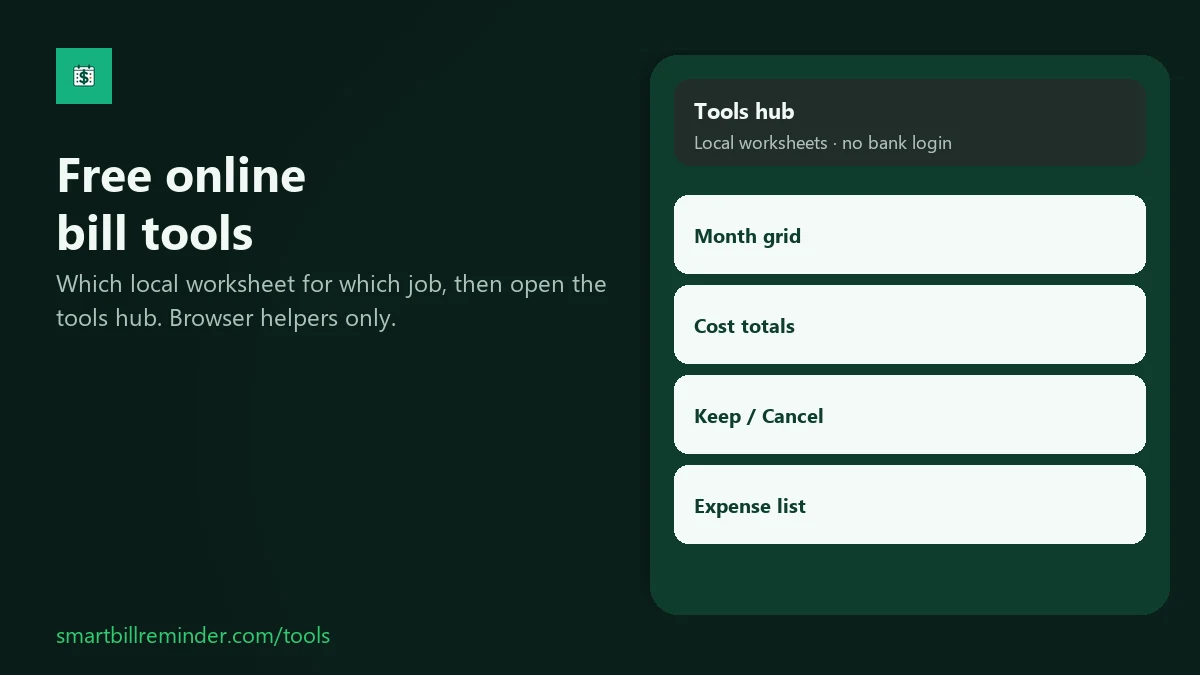
Rent has a due day, streaming has an amount, and some services you want to keep or cut. The site has four free browser worksheets - no bank login. Pick the worksheet that matches the job and type what you already know.
Put due days on a month grid
Open the monthly bill calendar. Put bill names on due days, edit the month if you need to, then print or download an ICS file on this device.
- Optional amounts are labels only. The page does not total them.
- This is a printable web template. It does not sync into the in-app calendar.
Add up subscription costs
Open the subscription cost calculator. Enter amount and billing cycle for each line, then read monthly and annual totals from the formulas on the page.
- This is only arithmetic from what you typed. Not financial, tax, or investment advice.
- The page does not cancel, pay, or import rows into the app.
Decide keep, cancel, or review
Open the subscription audit checklist. List services you already pay for, mark Keep, Cancel, or Review, and see monthly totals on the page.
- Marking Cancel is your note. You still cancel with the provider.
- This is a decision worksheet, not the in-app Recurring audit.
List recurring expenses locally
Open the recurring expenses tracker. Build a local list with name, cycle, and next date, then export CSV or print.
- This tracker does not show monthly or annual totals. For sums, use the cost calculator above.
- Optional draft save stays in this browser only.
What these tools do not do
- They do not log into your bank. Never enter card, OTP, IBAN, or Play passwords.
- They do not cancel subscriptions for you.
- They do not import or sync rows into Smart Bill Reminder.
- They are not the in-app Recurring audit and not the in-app bill calendar.
After a worksheet, you can re-enter kept rows on Android: Home + → Add subscriptions or New Bill, then Settings → Bill reminders. There is no auto-import.
Quick answers
Do these tools need a bank login?
No. You type names, amounts, and dates you already know. Never enter a card number, OTP, IBAN, or Play password into these worksheets.
Do the worksheets import into the app?
No. Re-enter kept rows with Add subscriptions or New Bill on your phone. There is no import from these pages. All worksheets are on the tools page.
Is this financial advice?
No. These are worksheets and page arithmetic only. Calculator and checklist totals reflect what you typed, not a promise of savings.